Performant & modern
Built in Rust with GTK4 & libadwaita. We made Hylki to fly on modern hardware with a rich set of features and a polished UI.

Vireo is now Hylki — new name, new icon, same app. What's a hylki and why the change →
Available for 64-bit Intel/AMD and ARM as a Flatpak, AppImage or native DEB/RPM package.

Built in Rust with GTK4 & libadwaita. We made Hylki to fly on modern hardware with a rich set of features and a polished UI.
Imports accounts you already have setup in GNOME Settings. Sign in once, and Hylki is ready to go. OAuth is natively supported for Microsoft accounts with Gmail supported through GNOME GOA.
Inboxes, Starred, Sent, Drafts, Archive, filtered folders, tags and snoozed each combine every account into a single list.
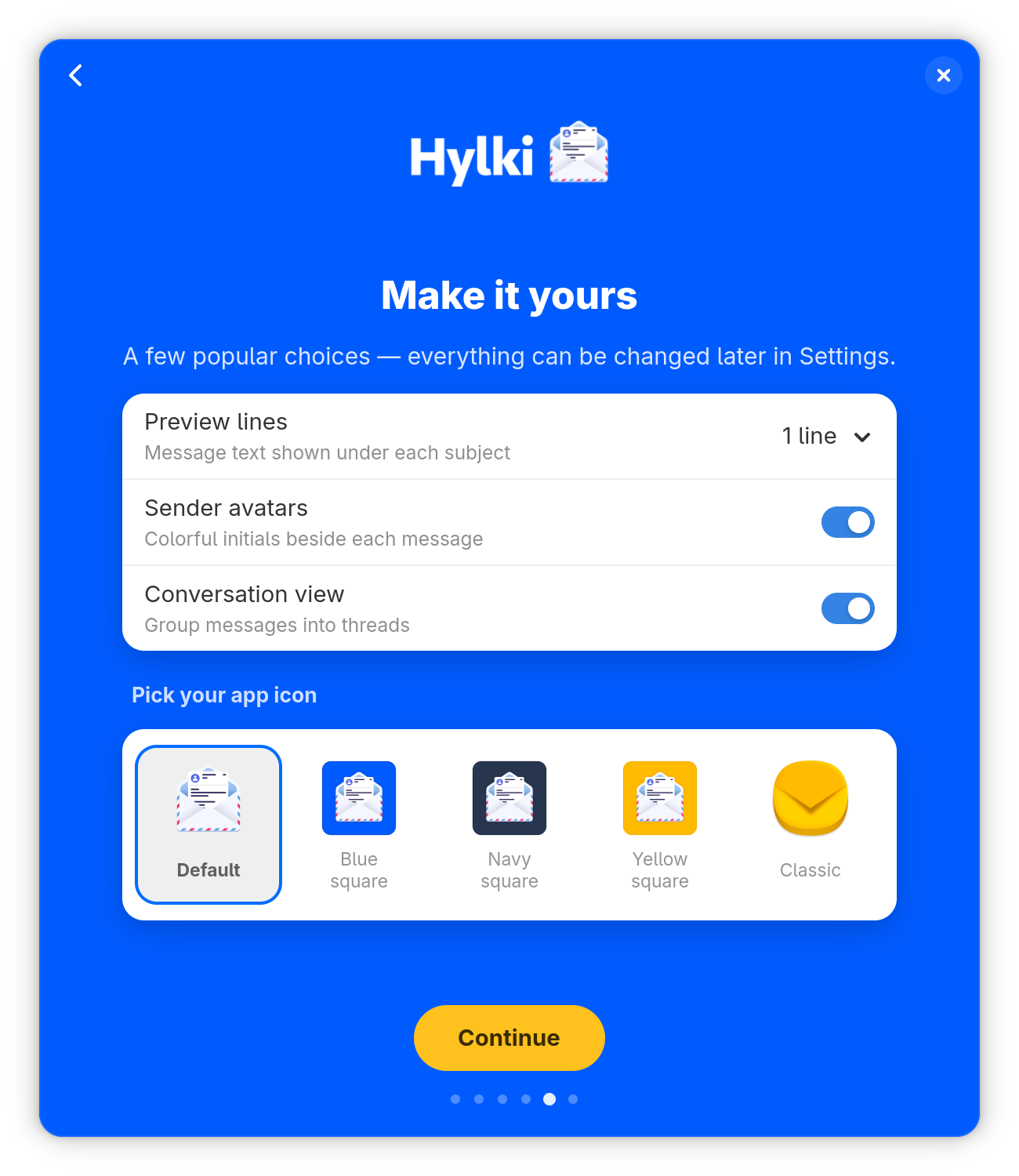
Conversations can be grouped into threads for better readability. Threads display in the message list and/or reading pane as collapsible cards
Integrates with GNOME Contacts and autocompletes recipients as you type with full keyboard navigation support
Browse every attachment across all your inboxes and folders in one visual grid with full-size previews.
Apply sorting rules to incoming mail by sender, subject or recipient with live unread counts.
Send and receive encrypted mail with built-in support for OpenPGP. Requires GnuPG installed on your system to function. Nothing decrypted is ever written to disk.
Send big files as links. Connect Nextcloud, ownCloud, OpenCloud, OneDrive, Dropbox or Seafile and the composer automatically uploads to your storage service and places a public link in the body.
Pick tomorrow morning, Monday, or any date and time from the Send button's dropdown. The message waits in the Outbox where you can still edit it before the send time arrives.
Easily start a new message by attaching files straight from GNOME Files. Install the Files extension in Settings > System to set this integration up.
Hylki has been translated by humans into English, French, German, Greek, Hungarian, Portuguese (Portugal and Brazil), Russian and Spanish. It defaults to your desktop's language or you may pick one in Settings. The translations come from the community; to add yours, see issue #155.

Privacy-first
Hylki is built to respect you. No accounts to create with us, no data harvested, nothing phoning home. What happens in your inbox stays on your machine.
No analytics, no tracking, no “anonymous usage data.” None.
Tracking pixels and remote images are blocked by default, with a per-message “load” banner and a per-sender allowlist.
Passwords and tokens live in the OS secret service — never in plaintext on disk.
Same app, same code, new name and icon. Here is what a hylki is, why the name changed, and what it means for you.
Hylki (pronounced HIL-kee) is Icelandic for a case or capsule: the shell that holds and protects what is inside. For an email client with an envelope icon, that metaphor feels just right.
Another project, an email app for macOS, chose the name Vireo about a month before this one did. Its maintainer got in touch, and while the clash was a complete coincidence, the fair thing to do was to pick a new name. The candidates were discussed in the open with the project's contributors, and Hylki won out: unique, not used by any other software, and true to the icon. Read the discussion on GitHub.
flatpak uninstall co.hyprlab.Vireo takes the old app away. If Vireo was your default email app, choose Hylki under Default Apps in Settings.Hylki is released under the GNU AGPLv3.
Hylki exists to fill a need in the Linux desktop community for a modern, GNOME-native email client that doesn't sacrifice aesthetics for features.
The project has the following foundational values that guide its development:
Hylki is built by a human maintainer who uses generative AI as a development tool. The maintainer decides what gets built, reviews the results, tests every release and signs off on everything that ships. The artwork is human-made: the app icon was drawn by Yiannis Ioannides. The app itself contains no AI: no AI features, no requests to AI services, and your mail never leaves your machine. Read the full AI notice →
And not every contribution is code — thanks to aia832003, EmmanuelP, p-mitana, Peter Weiss, Romain Ferrali and taprobane99 for the design feedback, requests and bug reports that shaped Hylki, and to everyone who files issues and ideas.
Pull requests are welcome — see how contributions are credited →
Available in Flatpak, AppImage and DEB/RPM packages
Recommended: working GPU drivers (OpenGL / Mesa), ~4 GB RAM, and a GNOME-style desktop — though it runs fine on KDE and others.
Flatpak installs use ~1.1 GB for the shared GNOME runtime (reused across your Flatpak apps) plus ~30 MB for Hylki.
Find a bug or have a feature idea? The best way to reach the project is to open an issue on GitHub. Please search existing issues first, then include your Hylki version, your GNOME version and distro, and the steps to reproduce.
Hylki is free and open source. If it makes your inbox a little better, consider supporting its development at the link below. Thank you!

Update repo bundled
Bazaar does not install from this file yet: it only finds apps in repositories it already knows. Add the Hylki repository once, then search for Hylki in Bazaar:
flatpak remote-add --if-not-exists hylki https://hylki.hyprlab.co/flatpak/co.hyprlab.Hylki.flatpakrepo
flatpak install --from https://hylki.hyprlab.co/flatpak/co.hyprlab.Hylki.flatpakref
Update repo bundled
curl -LO https://github.com/hyprlab/hylki/releases/latest/download/Hylki-$(uname -m).flatpak
flatpak install ./Hylki-$(uname -m).flatpak
sudo curl -fsSLo /etc/yum.repos.d/hylki.repo https://hylki.hyprlab.co/rpm/hylki.repo
sudo dnf install hylki
sudo curl -fsSLo /etc/apt/sources.list.d/hylki.sources https://hylki.hyprlab.co/deb/hylki.sources
sudo apt update && sudo apt install hylki
Older versions and the changelog are on GitHub Releases.
Update repo bundled
Bazaar does not install from this file yet: it only finds apps in repositories it already knows. Add the Hylki repository once, then search for Hylki in Bazaar:
flatpak remote-add --if-not-exists hylki https://hylki.hyprlab.co/flatpak/co.hyprlab.Hylki.flatpakrepo
flatpak install --from https://hylki.hyprlab.co/flatpak/co.hyprlab.Hylki-beta.flatpakref
Update repo bundled
curl -LO https://hylki.hyprlab.co/download/co.hyprlab.Hylki-beta-$(uname -m).flatpak
flatpak install ./co.hyprlab.Hylki-beta-$(uname -m).flatpak
sudo curl -fsSLo /etc/yum.repos.d/hylki-beta.repo https://hylki.hyprlab.co/rpm/hylki-beta.repo
sudo dnf install hylki
sudo curl -fsSLo /etc/apt/sources.list.d/hylki-beta.sources https://hylki.hyprlab.co/deb/hylki-beta.sources
sudo apt update && sudo apt install -o Dpkg::Options::=--force-confold hylki
Older versions and the changelog are on GitHub Releases.